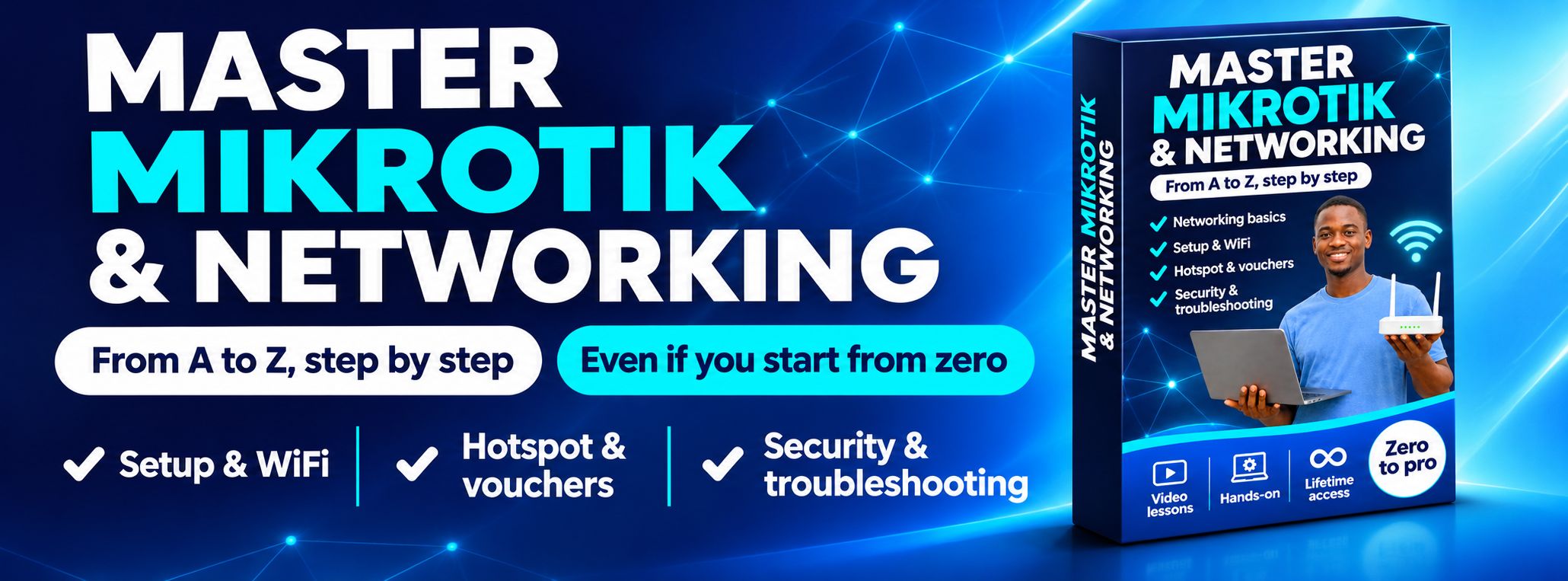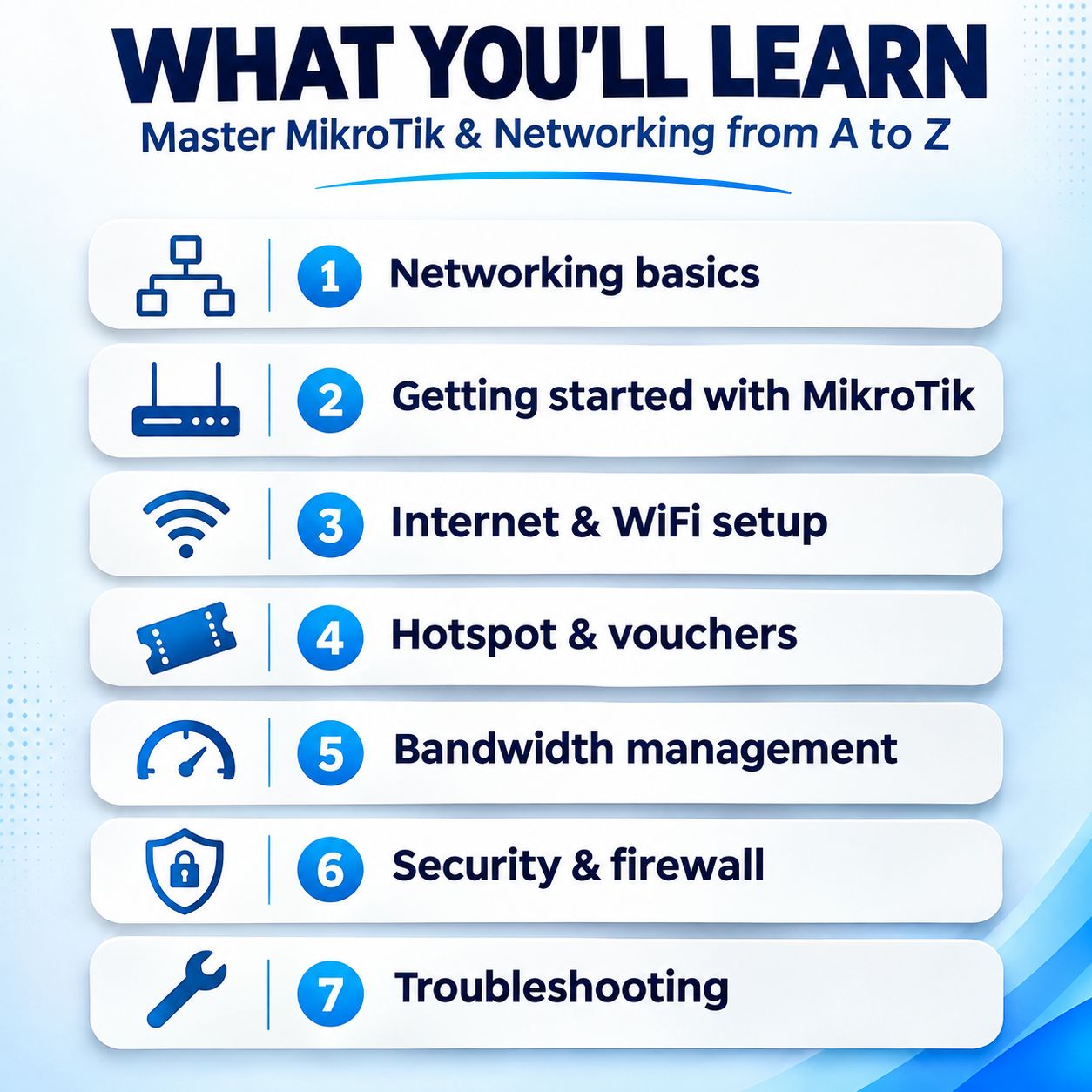
🌐 Master MikroTik & Networking from A to Z
WiFi hotspots, hotels, schools, cybercafés, businesses: they all need someone who can set up and fix a network. That person can be you.
Maybe you already have an IT degree, or you do computer repairs. Or you’ve started your own WiFi hotspot. But as soon as someone hands you a MikroTik router, you don’t know where to start. YouTube tutorials are scattered all over the place, and you end up giving up.
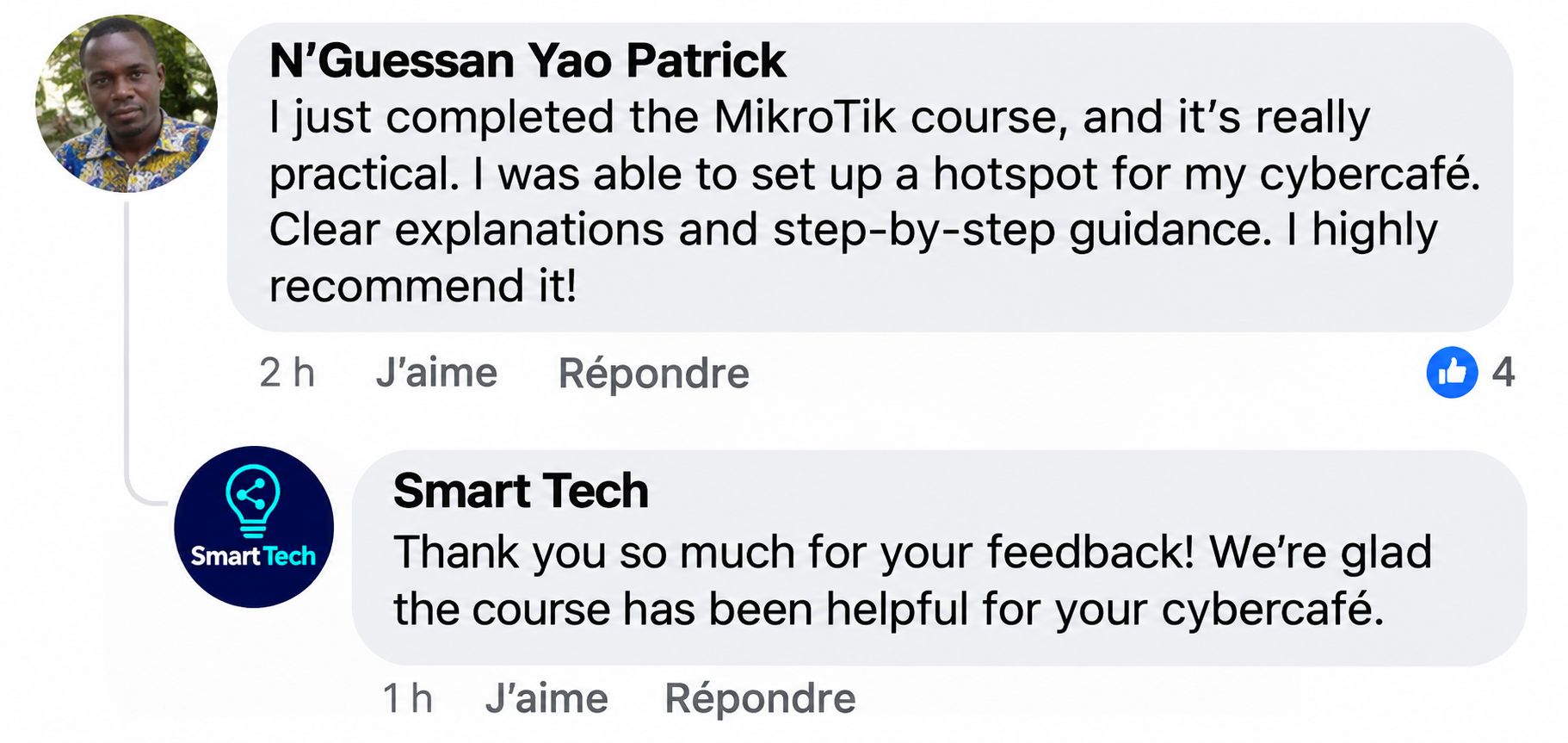
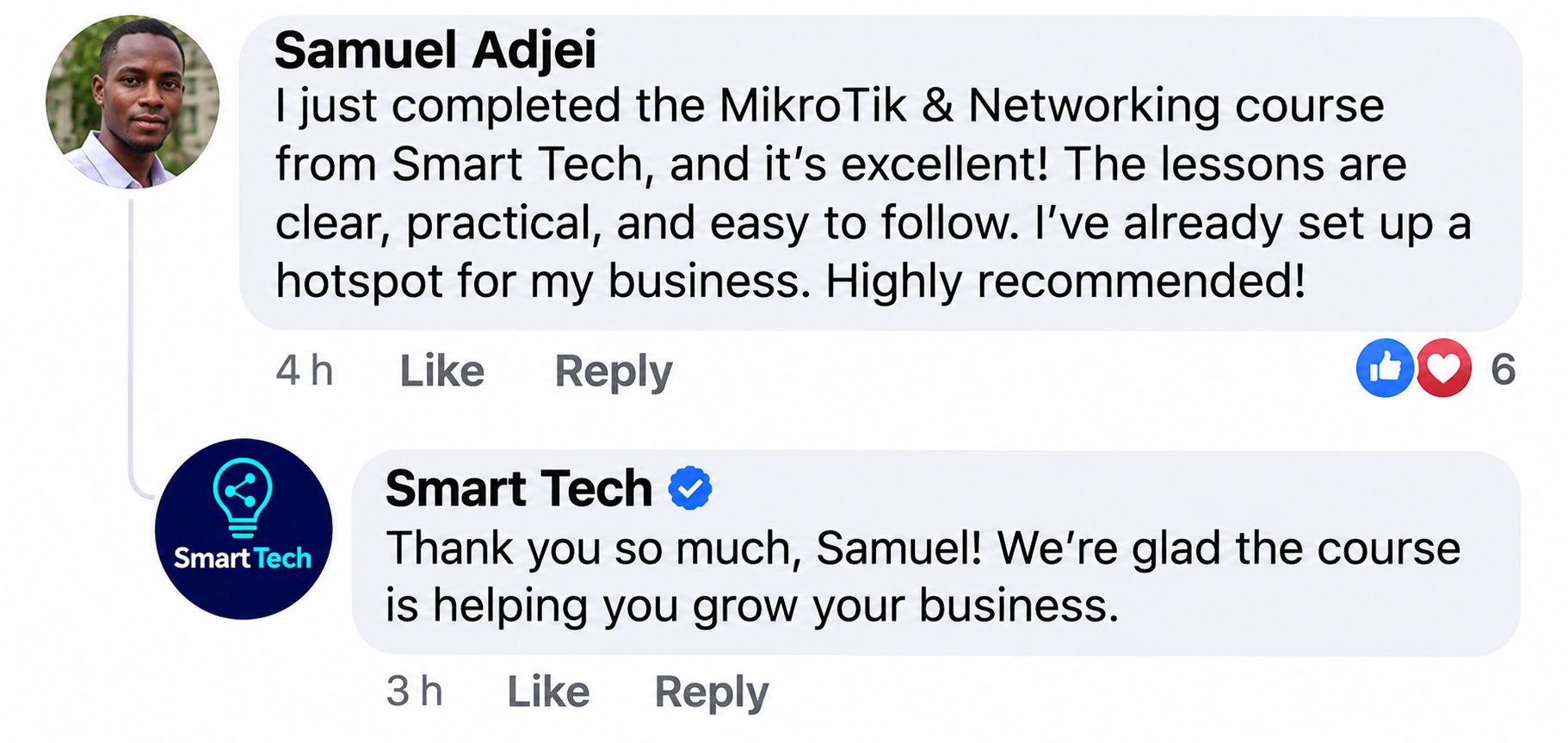
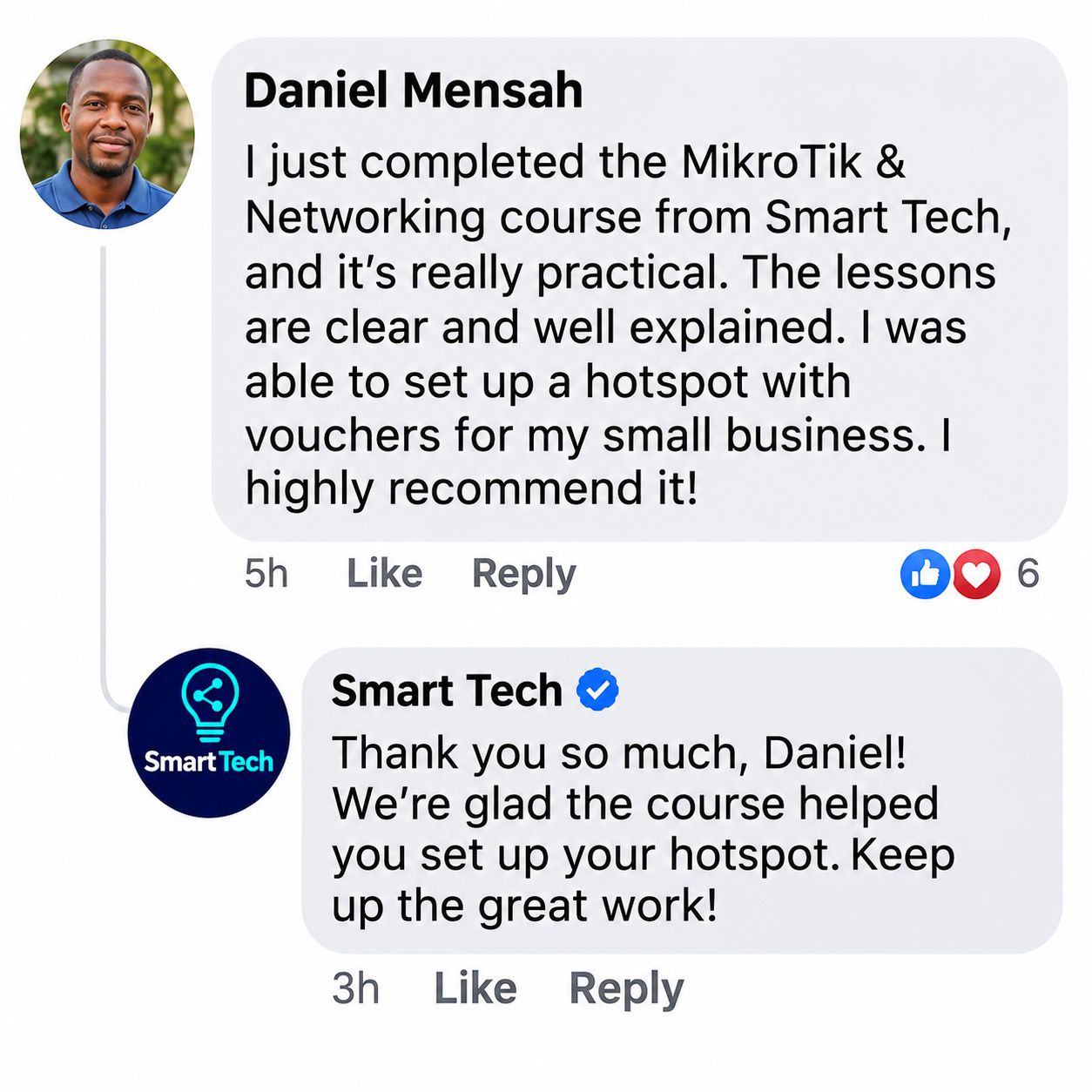
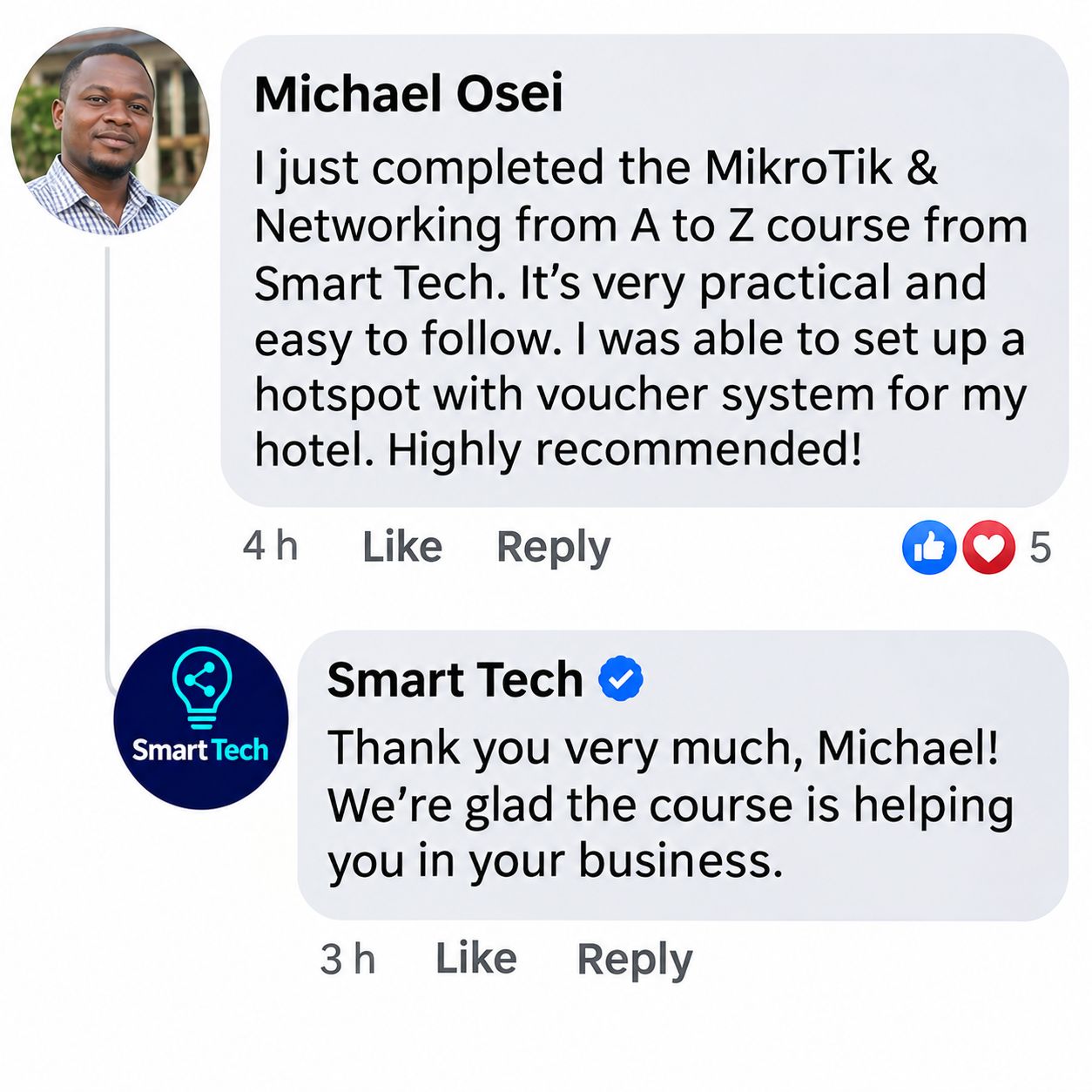
A client shares their experience👉
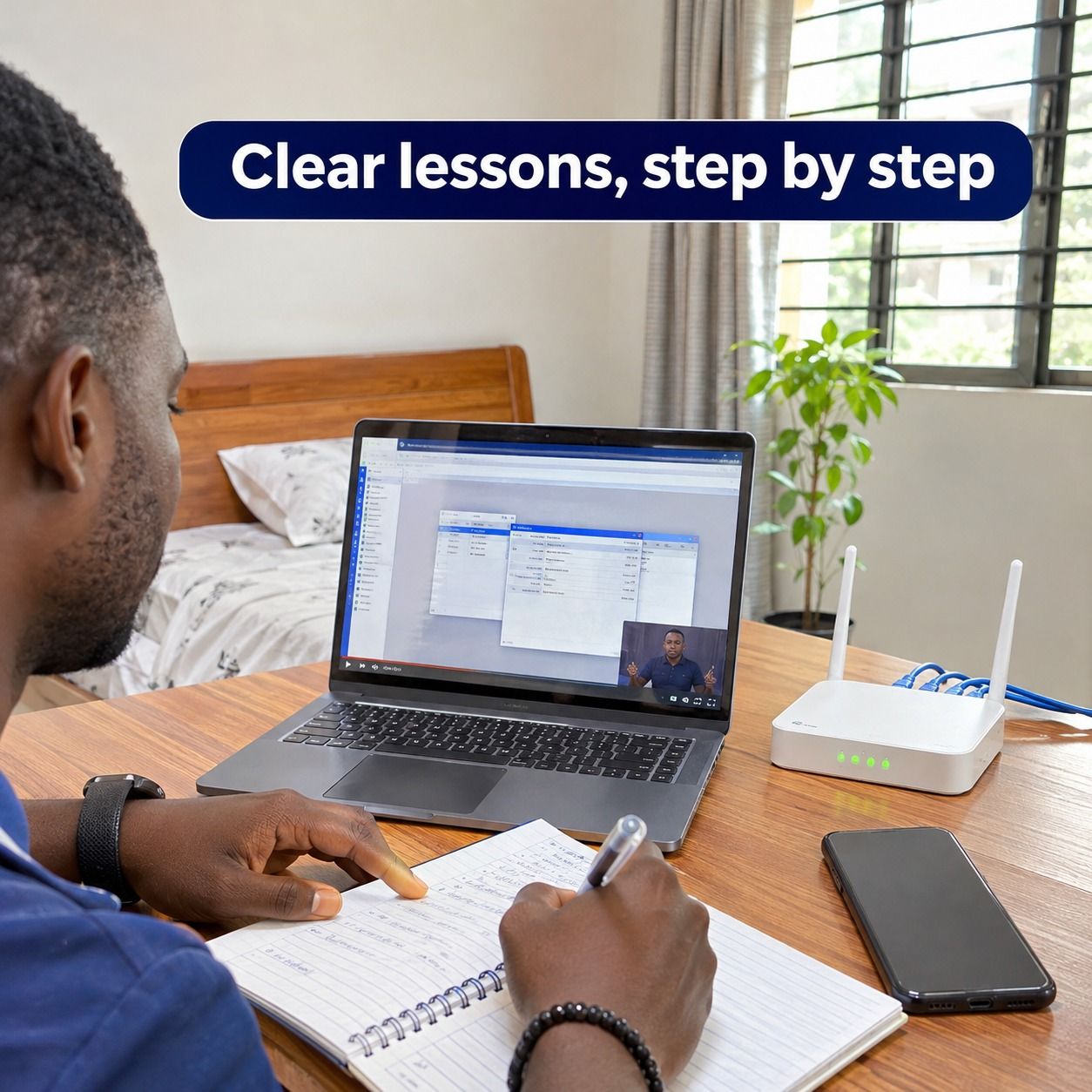
This course takes you by the hand, step by step, even if you’re starting from zero.
📚 What you’ll learn
✅ Networking basics: IP address, subnet mask, gateway, DHCP, DNS, explained simply
✅ Getting started with MikroTik: Winbox, the interface, resetting and backing up
✅ Full configuration: internet connection, connection sharing (NAT), secure WiFi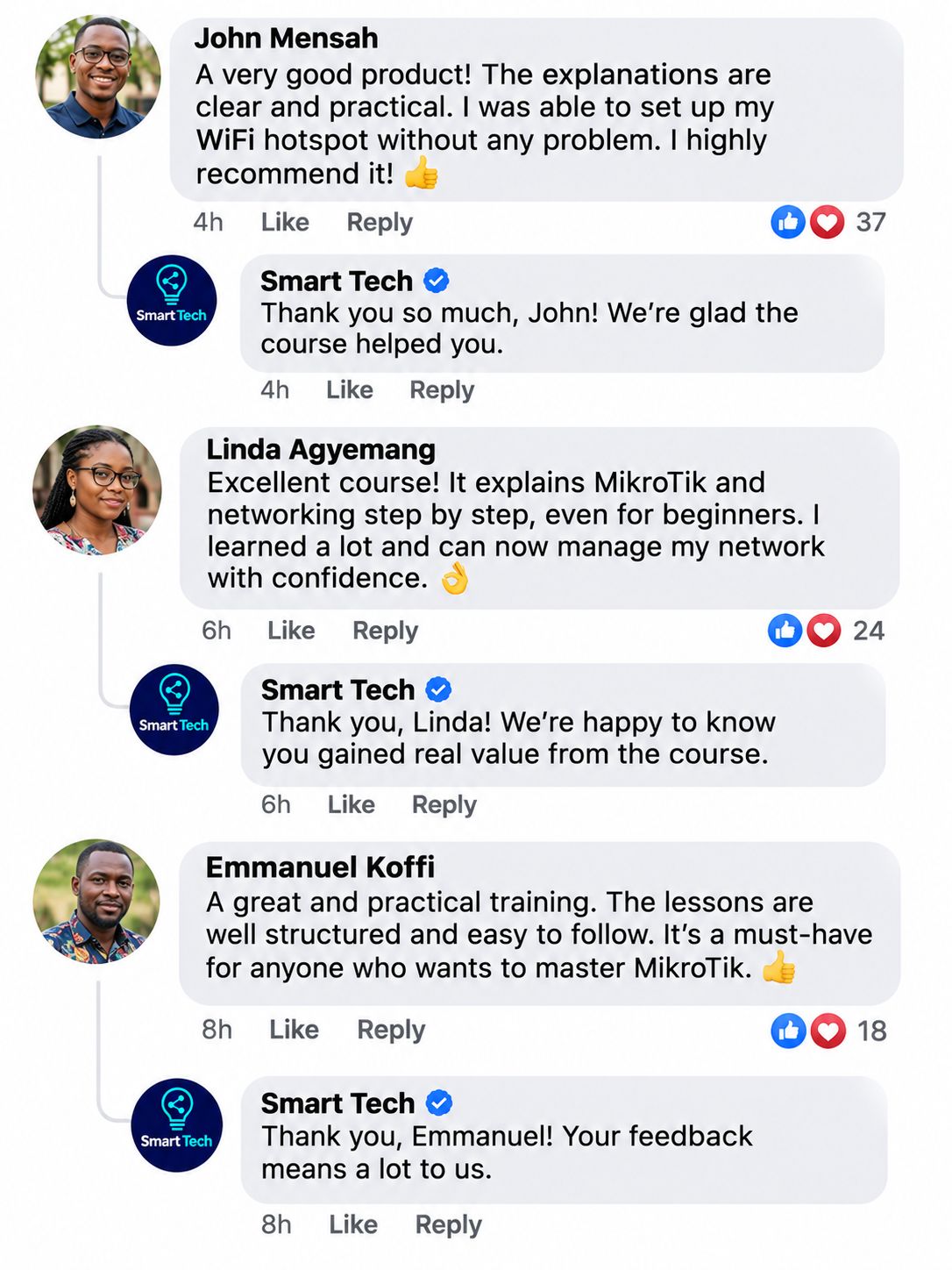
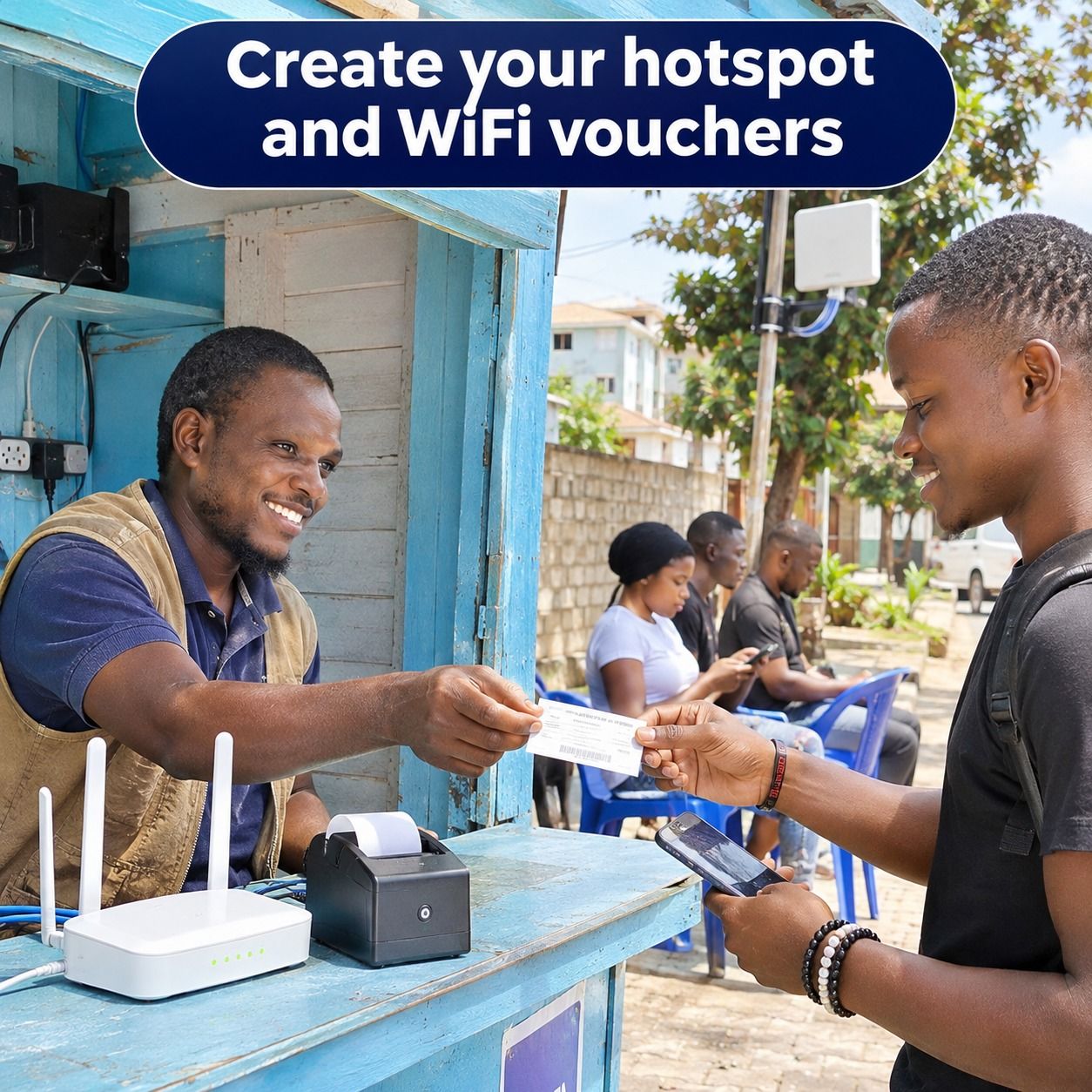
✅ Hotspot and vouchers: create your WiFi hotspot, generate and print vouchers for your customers
✅ Bandwidth management: share the bandwidth so no one takes it all
✅ Security: firewall, blocking unwanted access, protecting your router
✅ Troubleshooting: find and fix common problems yourself
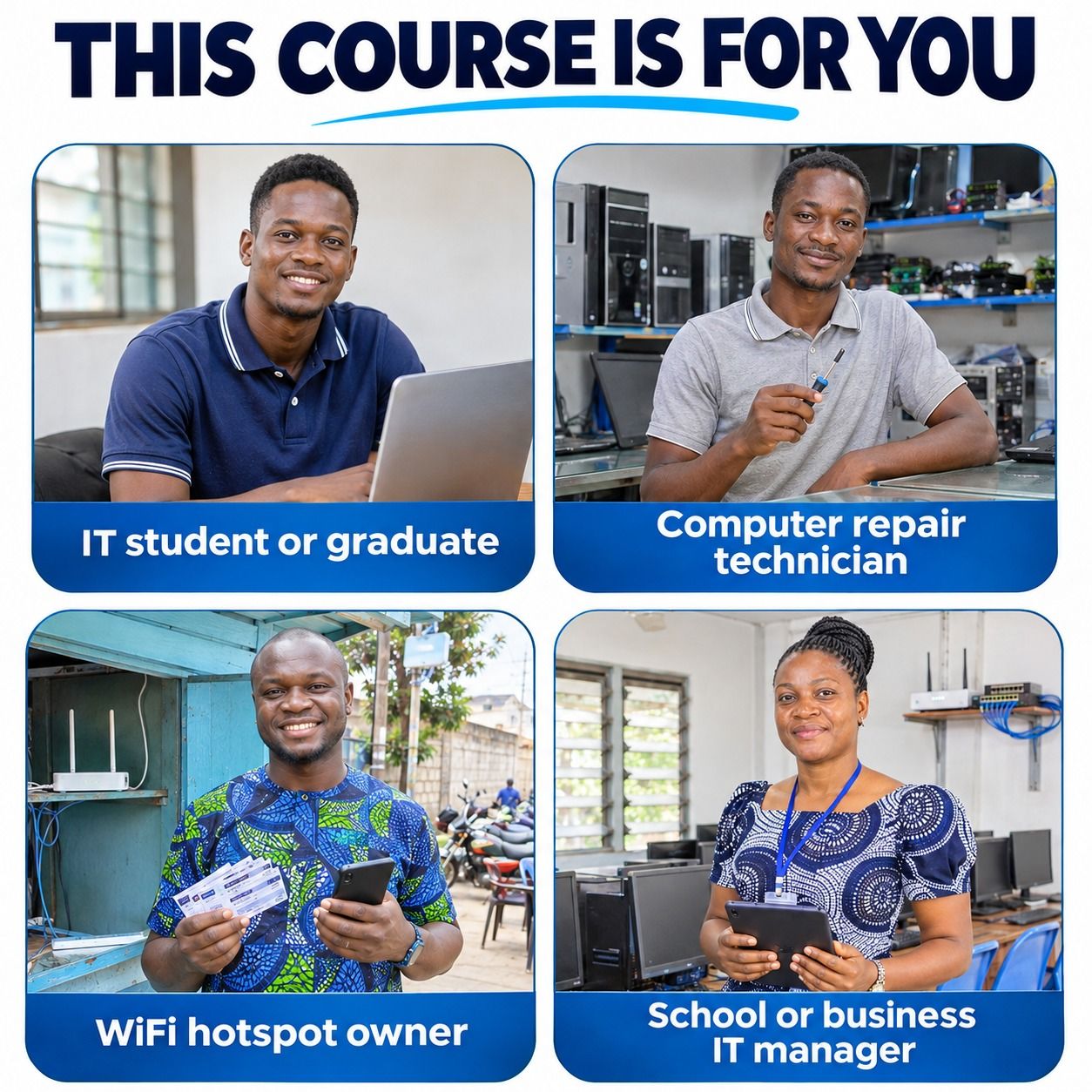
🎯 This course is for you if you are…
🔹 An IT student or recent graduate who wants a practical, in-demand skill
🔹 A computer repair technician who wants to add networking to your services
🔹 A WiFi hotspot owner (or future owner) who wants to manage your own network
🔹 An IT manager at a school, hotel, cybercafé or small business
💡 Why this course?
✔️ Clear explanations, with no unnecessary jargon
✔️ Step by step: each lesson builds on the previous one
✔️ Hands-on: you configure, you test, you understand
✔️ At your own pace, on your phone or computer
✔️ Lifetime access: come back to the lessons whenever you need
🚀 After the course, you’ll be able to…
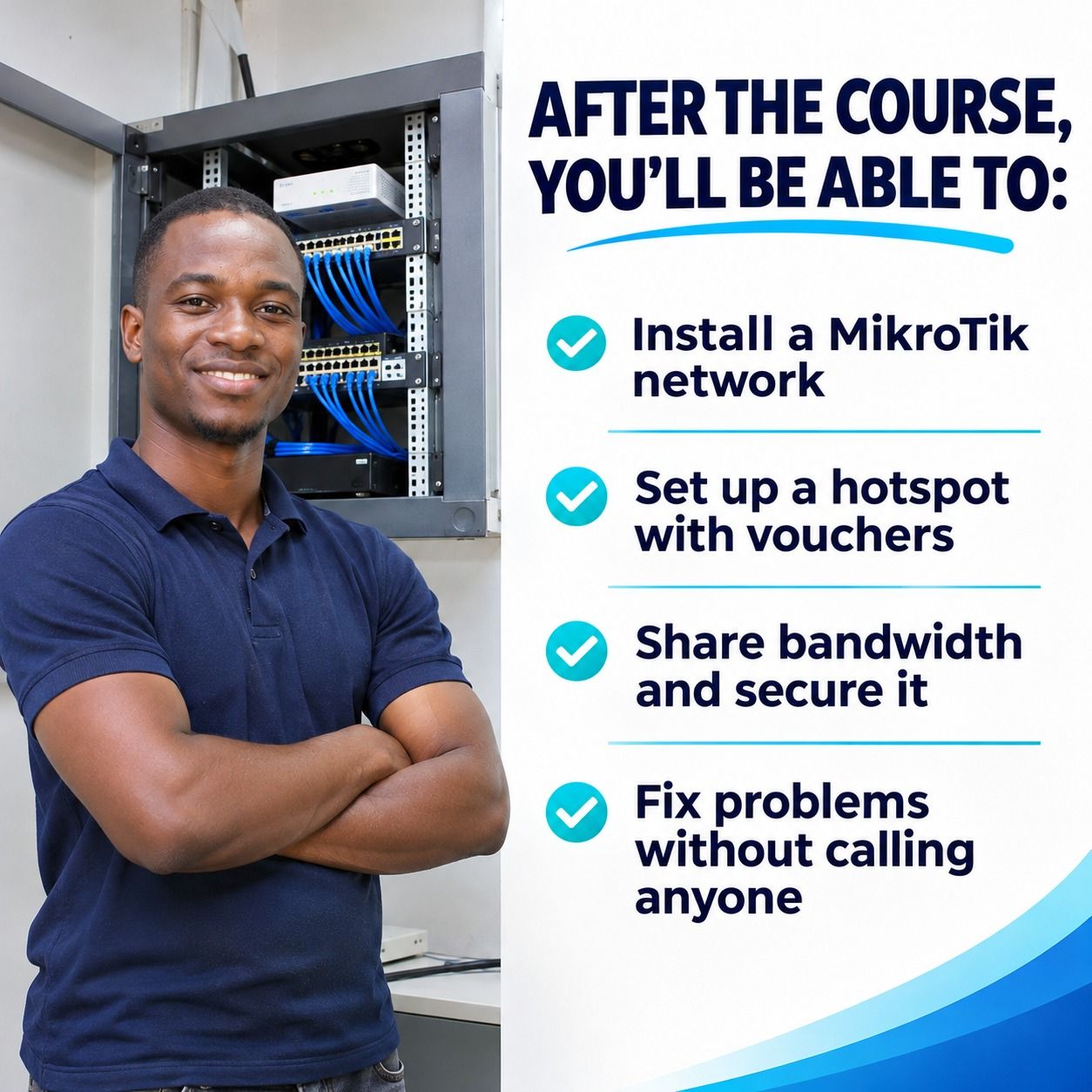
➡️ Install and configure a MikroTik network from A to Z
➡️ Set up a hotspot with vouchers for a WiFi zone, hotel or cybercafé
➡️ Share bandwidth between users and secure the network
➡️ Diagnose and fix problems without calling someone else
👉 Click “Buy” and start your first lesson today.
Customer testimonials👉